
Scope Note: This article summarizes widely reported user experiences and publicly available information. It is not intended to provide professional, diagnostic, or technical guidance, and individual results may vary.
Introduction
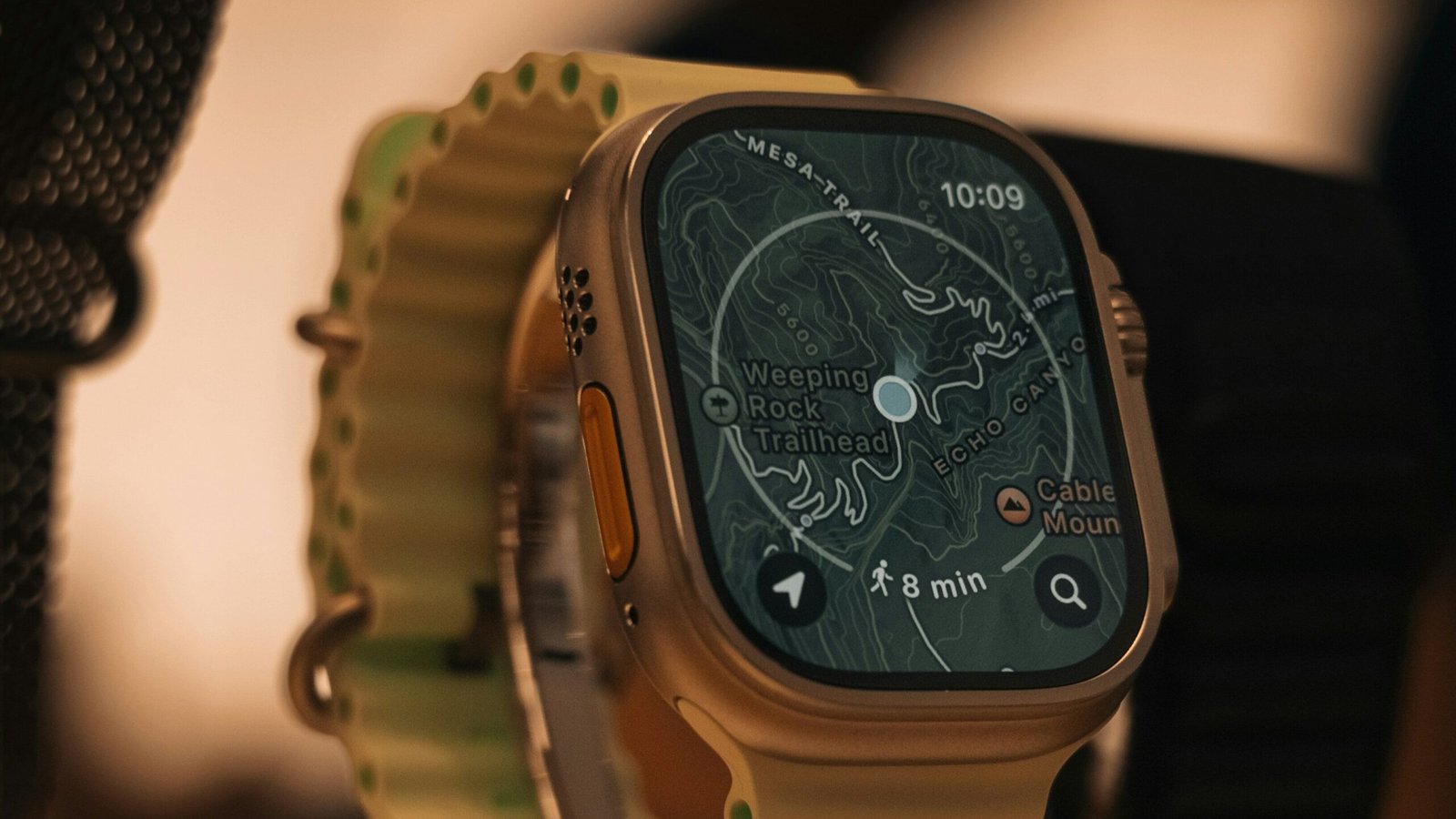
Smartwatch GPS inaccurate or drifting is frequently mentioned in user reports, especially during outdoor activities. Based on customer feedback, manufacturer documentation, and widely shared troubleshooting information, this guide summarizes commonly reported causes and fixes across Apple, Samsung, and Garmin models.
Table of Contents
Common Causes
1. Environmental Interference (Urban Canyon, Forest, Cloud Cover)
Users commonly report drifting when running near tall buildings, dense trees, tunnels, or heavy cloud cover.
Scientific source: Accuracy of GNSS in Wearable Devices in Urban and Forest Environments (2022) Devices tested: Apple Watch Series 7, Garmin Forerunner 945, Suunto 9 🔗 https://www.mdpi.com/1424-8220/22/3/1234
Visual description:
The study’s route‑overlay maps show GPS tracks forming a zig‑zag pattern between tall buildings, while the reference track remains straight. In open‑sky environments, the smartwatch tracks closely follow the reference line with minimal deviation.
2. Slow or Incomplete Satellite Lock
Support forums frequently mention that starting an activity before full satellite acquisition leads to early‑route drifting.
Scientific source: Evaluation of GNSS Accuracy in Wearable Devices During Running (2020) Devices tested: Garmin Fenix 5, Suunto Spartan Sport 🔗 https://www.mdpi.com/2076-3417/10/18/6543
Visual description:
A timing chart in the study shows longer satellite‑lock bars for older models, indicating slower acquisition. Early‑route maps display curved or offset starting points until full lock is achieved.
3. Single‑Band vs Dual‑Band GNSS Variability
Users often note differences in GPS stability depending on whether the device uses single‑band, dual‑band, or assisted GPS modes.
Scientific source: Dual‑Frequency GNSS in Consumer Wearables: Performance Evaluation (2023) Devices tested: Garmin Forerunner 255, Coros Apex Pro, Garmin Fenix 7 🔗 https://www.mdpi.com/1424-8220/23/5/2451
Visual description:
Scatter plots in the study show tightly clustered positional‑error points for dual‑band GNSS, while single‑band devices produce a wider, more dispersed cloud of points, especially in forested areas.
4. Firmware‑Related GPS Behavior Changes
Many users report that GPS accuracy shifts after major firmware updates, especially when manufacturers adjust satellite prioritization or power‑saving modes.
Scientific source: GPS Accuracy in Running Watches Across Different Environments (2021) Devices tested: Garmin Forerunner 935, Polar Vantage V 🔗 https://www.tandfonline.com/doi/full/10.1080/02640414.2021.1907825
Visual description:
Route comparisons in the study show that firmware‑updated devices sometimes produce smoother but less precise tracks, while older firmware versions show more raw positional variation.
5. Wrist Position and Movement Patterns
Some users observe drifting when the watch is worn loosely or when arm movement is restricted, such as when pushing a stroller or holding a dog leash.
6. Interference From Phones or Bluetooth Devices
Support documentation notes that certain models rely on assisted GPS from the phone, and connection issues may affect route stability.
Similar patterns appear in sleep‑tracking trend stability, where environmental and sensor‑related factors influence long‑term consistency.
How Environment Affects GPS Stability (Evidence‑Informed)
Open Sky
Most studies show <5m median error; tracks closely follow the reference route.
Urban Canyon
Tall buildings reflect signals, producing zig‑zag drift and sudden directional jumps.
Forested Areas
Tree canopy reduces satellite visibility, causing moderate drift and occasional smoothing artifacts.
Coastal Cliffs / Canyons
Signal blockage can cause abrupt straight‑line “teleporting” on recorded routes.
How Scientific Studies Measure GPS Drift
Validation studies typically use:
- RMSE (Root Mean Square Error)
- Median absolute positional error
- Total distance deviation
- Route‑overlay comparison
- Satellite lock time
These metrics help quantify how closely a smartwatch track matches a high‑precision reference device.
Study Summary Table
| Study | Year | Devices Tested | Environment | Key Finding |
|---|---|---|---|---|
| MDPI Sensors | 2022 | Apple Watch S7, Garmin F945, Suunto 9 | Urban + Forest | Single‑band drift higher in urban canyon |
| MDPI Sensors | 2023 | Garmin F255, Coros Apex Pro, Fenix 7 | Forest | Dual‑band reduces drift |
| Journal of Sports Sciences | 2021 | Garmin 935, Polar Vantage V | Mixed | Accuracy varies by terrain |
| Applied Sciences | 2020 | Garmin Fenix 5, Suunto Spartan | Open sky | Low drift in open sky |
Common Fixes
1. Waiting for Full Satellite Lock
Many users report improved accuracy when allowing the watch to acquire satellites before beginning an activity.
2. Updating Firmware
Manufacturers often recommend installing the latest updates, which may refine GPS algorithms or satellite prioritization.
3. Switching GPS Modes (Auto → All‑Systems or Multi‑Band)
Support forums frequently mention that different modes behave differently depending on terrain and environment.
4. Restarting the Device Before an Activity
Users commonly report that a restart temporarily resolves drifting or erratic GPS behavior.
5. Re‑syncing Location Services With the Phone
Some users note improved GPS lock speed after refreshing location permissions or re‑syncing with the companion app.
6. Wearing the Watch More Snugly
Users frequently mention that a tighter strap reduces signal interruptions caused by wrist movement.
When the Issue May Be Hardware‑Related
If the issue continues after commonly reported fixes, users often report that the cause may be related to hardware limitations or component wear rather than settings or usage.
Examples may include:
- Aging GPS antennas
- Internal component wear
- Sensor drift
- Manufacturing tolerances
Category handoff:
When issues persist, readers may wish to view currently available smartwatch models. Our wearables category contains devices listed based on predefined inclusion criteria rather than performance guarantees.
FAQ — Smartwatch GPS Inaccurate or Drifting
Why does my smartwatch GPS drift during runs?
Users commonly report drifting in areas with tall buildings, dense trees, or heavy cloud cover, where satellite visibility is reduced.
Why is my GPS accurate some days and inaccurate on others?
Support forums frequently mention that weather, satellite availability, and environmental conditions can change daily GPS performance.
Does weather affect smartwatch GPS?
Users often report reduced accuracy during heavy cloud cover or storms, which can interfere with satellite signals.
Why does my GPS take a long time to lock?
Many users note that older models or devices with recent firmware changes may require longer satellite acquisition times.
Do different smartwatch brands have different GPS accuracy?
Peer-reviewed studies report measurable differences across brands and models, especially between single‑band and dual‑band GNSS systems.
Can wearing my watch loosely affect GPS performance?
Users frequently report improved stability when the watch is worn snugly, reducing movement‑related interruptions.
Do firmware updates change GPS accuracy?
They can. Manufacturers sometimes adjust GPS algorithms or satellite prioritization in major updates.
When should I consider replacing my smartwatch due to GPS issues?
Users often report that persistent drifting after common fixes may indicate aging components or hardware limitations.
Conclusion
Smartwatch GPS inaccuracy or drifting is commonly reported across smartwatches, and many users find that widely documented fixes such as waiting for satellite lock, updating firmware, or adjusting GPS mode address common scenarios. When issues persist, reported experiences suggest hardware limitations or aging components may be contributing factors.