
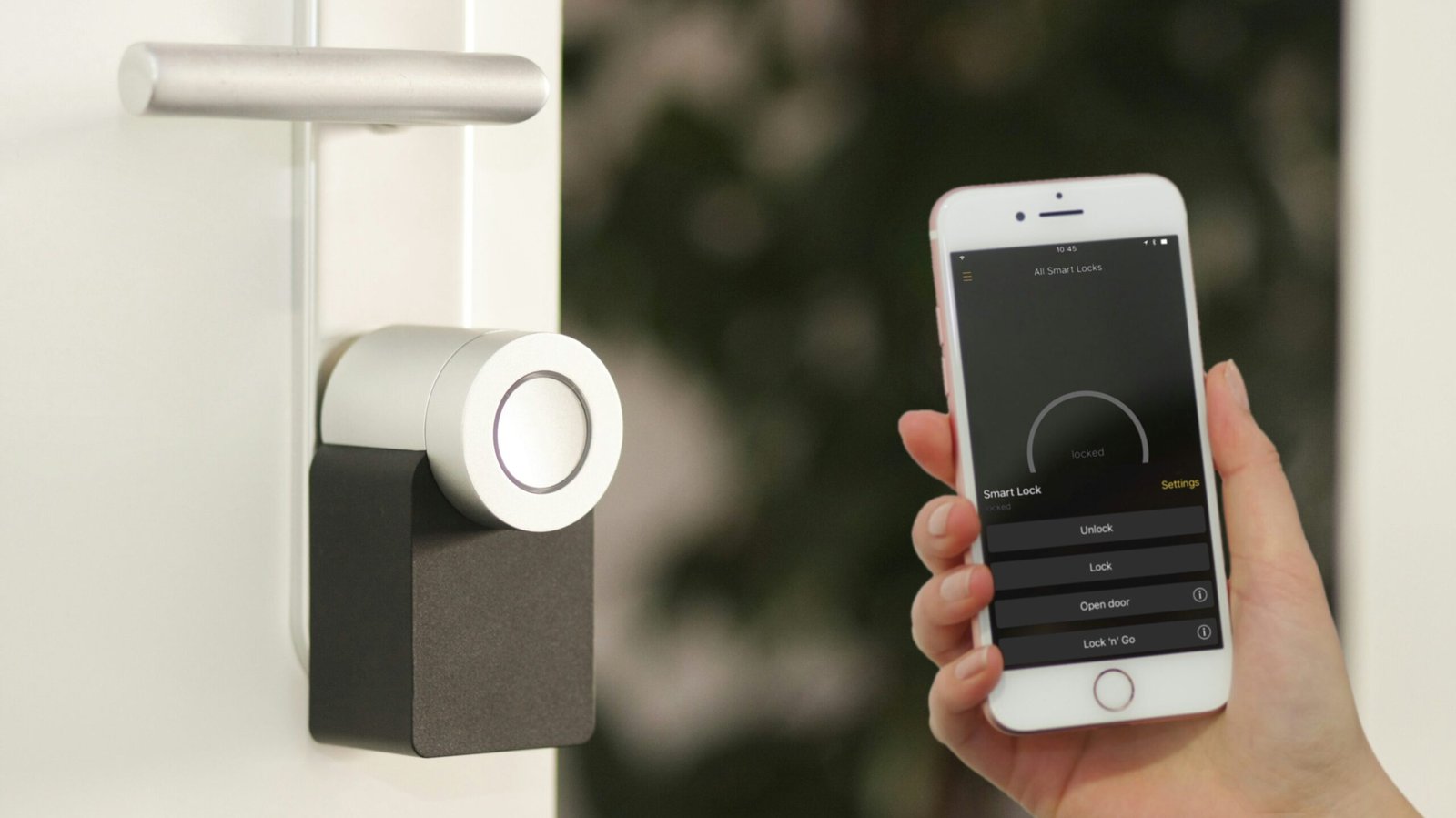
Scope: This article examines delay‑related behavior observed in smart door locks. It focuses on mechanisms, reproducible tendencies, and user‑reported inconsistencies. It does not provide troubleshooting steps, recommendations, or product‑specific guidance. The goal is to document delay behavior as an observable, system‑agnostic phenomenon.
Overview
Smart door lock delays arise from how locks communicate over low‑power wireless protocols, interpret mechanical states, and synchronize with hubs or controllers. Variability in these layers produces recognizable patterns shaped by signal strength, routing, device placement, and environmental conditions. These patterns appear across ecosystems and device generations.
Table of Contents
Mechanistic Basis of Smart Door Lock Delay Variability
Several mechanisms shape how smart locks respond to commands and report their state:
- Low‑power radio communication: Locks often use low‑energy protocols that prioritize battery life over transmission speed.
- Mechanical state sensing: Internal sensors must confirm bolt position before reporting status.
- Hub interpretation: Controllers apply timing thresholds to determine whether a lock is “locked,” “unlocked,” or “pending.”
- Routing behavior: Mesh‑based protocols may introduce additional hops or rerouting delays.
- Wake‑up cycles: Battery‑powered locks may sleep between communication intervals.
- Environmental interference: Doors, walls, and metal components influence signal reliability.
These mechanisms create consistent categories of delay patterns.
A Taxonomy of Smart Door Lock Delay Patterns
1. Command Execution Delay
The lock responds several seconds after a lock or unlock command due to communication timing or wake‑up cycles.
2. State‑Update Delay
The lock completes the action but reports the new state to the hub several seconds later.
3. Mechanical Confirmation Delay
The lock waits for internal sensors to verify bolt position before sending a status update.
4. Routing‑Related Delay
Mesh networks introduce variability when commands pass through multiple nodes.
5. Edge‑of‑Range Delay
Locks at the boundary of coverage show slower response times and inconsistent state reporting.
6. Multi‑Device Arbitration Delay
When multiple devices issue commands simultaneously, the lock may queue or stagger responses.
7. Interpretation Layer Delay
Hubs may temporarily show “locking,” “unlocking,” or “unknown” states while awaiting confirmation.
Delay Progression Curve
Delay behavior often follows a recognizable progression:
- Minor command lag
- Occasional slow state updates
- Frequent “pending” or “unknown” states
- Routing‑related variability
- Persistent delays in specific locations or conditions
This curve reflects how communication and mechanical factors accumulate over time.
Environmental and Architectural Effects
Smart lock delay patterns vary across environments:
- Metal doors: increased signal attenuation
- Thick walls: reduced communication reliability
- Long hallways: more routing hops
- Multi‑story homes: vertical signal challenges
- Entryways with appliances: interference from nearby electronics
These factors influence both command timing and state reporting.
Mechanical and Sensor Dynamics
Smart locks rely on internal mechanisms that introduce timing variability:
- bolt‑position sensors
- motorized actuation timing
- resistance from door alignment
- temperature‑related mechanical changes
- battery‑dependent motor speed
These dynamics influence how quickly the lock can confirm and report its state.
Patterns in User‑Reported Behavior
Users commonly describe:
- commands taking several seconds to execute
- locks reporting “locking” or “unlocking” for extended periods
- delayed state updates after manual operation
- inconsistent timing depending on distance from the hub
- variability after adding new devices to the network
- slower responses when battery levels are low
- occasional “unknown” or “pending” states
These patterns appear across ecosystems and device generations.
Why This Matters
Delay patterns shape how smart locks behave in daily use. Understanding these patterns provides context for how wireless and mechanical systems operate in real‑world environments without implying malfunction, fault, or user error.
Frequently Observed Questions – Smart Door Lock Delays
Why does the lock take several seconds to respond?
Communication timing, routing, and wake‑up cycles influence response speed.
Why does the app show “locking” or “unlocking” for a long time?
The system may be waiting for mechanical confirmation.
Why does the lock update slowly after manual operation?
State reporting depends on internal sensors and communication intervals.
Why do delays vary by location?
Signal strength and routing paths differ across environments.
Sources of Observations
Patterns described in this article reflect user‑reported behavior across public forums, reproducible tendencies observed in smart home environments, and known characteristics of wireless and mechanical lock systems that contribute to smart door lock delays.
For related patterns involving temperature and occupancy variability, see Smart Thermostat Sensor Accuracy.
For related patterns involving voice recognition variability, see Voice Assistant Misinterpretation.
For connectivity‑related behavior in lighting systems, see Smart Bulb Connectivity Issues.
For an overview of smart home behavior across devices, see Smart Home Category Hub.