
Scope Note: This article summarizes widely reported user experiences and publicly available information. It is not intended to provide medical, diagnostic, or professional guidance, and individual results may vary.
Introduction
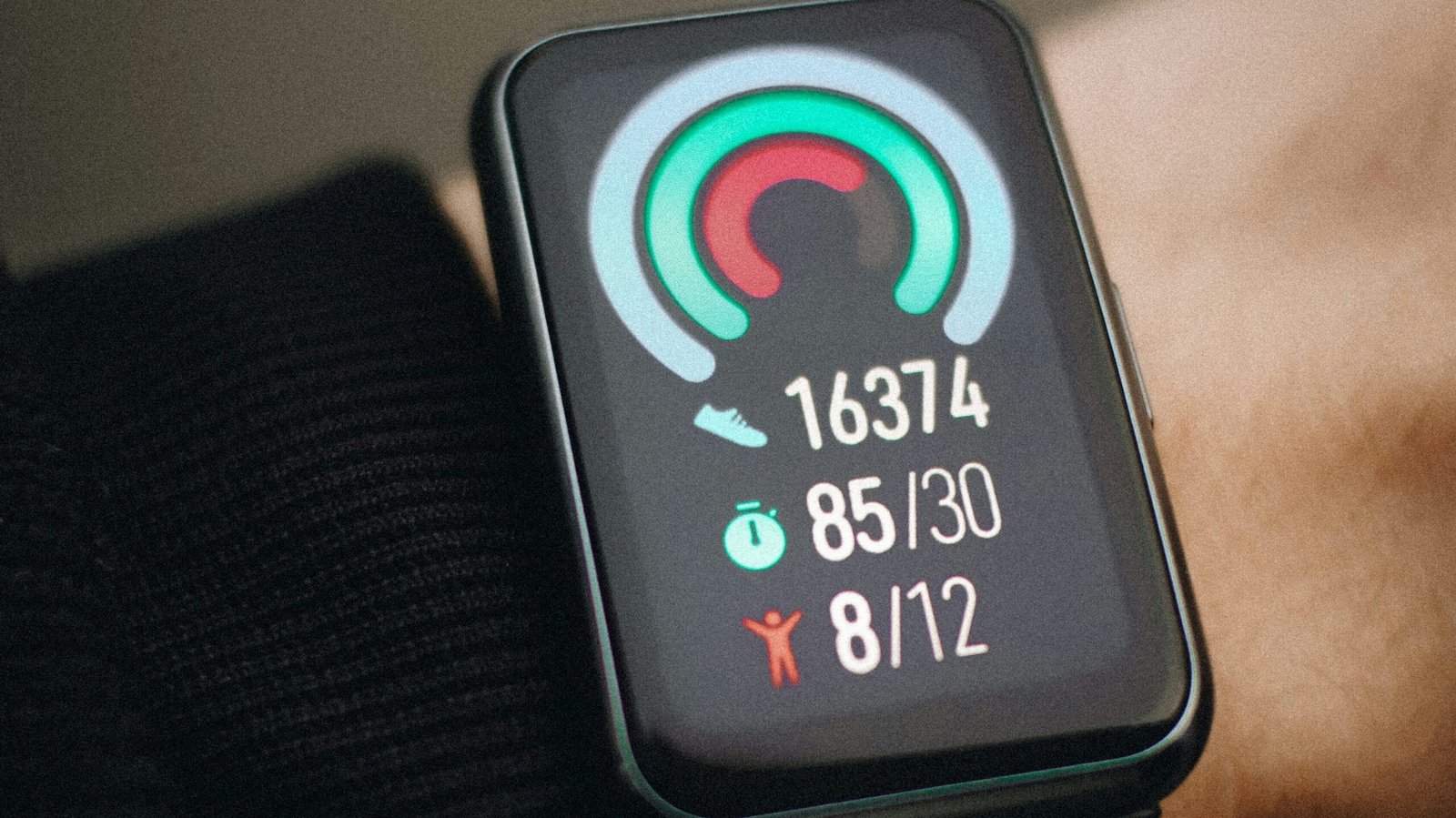
Step‑count inaccuracy is one of the most commonly reported issues across modern smartwatches and fitness trackers.
Based on customer feedback, peer‑reviewed research, and widely shared troubleshooting information, this guide summarizes commonly reported causes and fixes across Apple, Samsung, and Garmin models.
Table of Contents
SECTION 1 — Common Causes
1. Arm‑Movement Dependency
Users commonly report that step counts drop when arm movement is restricted, such as when pushing carts or carrying bags. A JMIR Formative Research step‑validation study found that wrist‑worn devices are highly sensitive to arm swing and walking speed, with accuracy dropping at slower speeds and in certain populations. JMIR+1
2. Sensor Sensitivity Differences Between Brands
Support forums frequently mention that small changes in how the watch is worn—loose strap, higher or lower on the wrist—can affect step detection. A 2025 step‑count validation study showed that localization (wrist vs other positions) and sensor characteristics significantly influence accuracy. JMIR+1
3. Walking Speed and Gait Variability
This issue is often associated with differences between brands. A Sensors validity study comparing Apple Watch 6 and Galaxy Watch 4 found meaningful variation in step‑count estimation across daily activities, even under the same conditions. MDPI
4. Algorithmic Software Interpretation Differences
Users commonly report that very slow walking, shuffling, or irregular gait leads to undercounting. Research on digital walking measures from wrist‑worn sensors shows that accuracy declines at lower speeds and varies across individuals and movement patterns. JMIR+1
5. Activity Misclassification
Support forums frequently mention that activities like cycling, elliptical training, or pushing strollers can lead to over‑ or undercounted steps. Consumer testing where multiple watches were worn for 10,000 steps found that devices differed in how they interpreted complex or mixed movements. Yahoo +1
SECTION 2 — Common Fixes
1. Adjusting Strap Fit
Many users report that tightening the strap improves motion detection consistency by reducing sensor noise.
2. Recalibrating Motion Data
Support documentation suggests recalibrating step detection by performing a short, uninterrupted walk to help the device re‑establish baseline motion patterns.
3. Updating Firmware
Manufacturers often recommend installing the latest software updates, which may refine step‑classification algorithms.
4. Switching Wrist Preference Settings
A commonly reported approach is switching between left and right wrist settings, which can improve step recognition depending on dominant‑hand movement.
5. Restarting the Device
Support forums frequently mention that a restart temporarily resolves step‑tracking irregularities.
6. Resetting Fitness Calibration Data
Users commonly report that clearing calibration data and re‑syncing improves step detection consistency, especially after major software updates.
SECTION 3 — When the Issue May Be Hardware‑Related
If the issue continues after commonly reported fixes, users often report that the cause may be related to hardware limitations or component wear rather than settings or usage.
Examples may include:
- Aging accelerometers
- Sensor drift
- Internal component wear
- Manufacturing constraints
Manufacturers typically recommend professional evaluation or considering a newer model in these cases.
When issues persist despite the steps above, some readers choose to compare consistency across current models.
For readers comparing real-world step-tracking consistency across current smartwatch models, see our curated smartwatch category based on aggregated user reports.
SECTION 4 — FAQ Smartwatch Step Count Not Accurate
Why is my smartwatch undercounting steps?
Users commonly report undercounting when arm movement is limited, such as when pushing carts, carrying items, or walking slowly. Research on wrist‑worn devices shows that step detection depends heavily on arm‑swing acceleration, which can vary across activities and individuals.
Why does my smartwatch overcount steps?
Overcounting is often reported during activities with repetitive arm movement but minimal walking, such as cooking, folding laundry, or driving on rough roads. These motions can resemble step‑like acceleration patterns.
Does wearing my watch on my dominant hand affect step accuracy?
It can. Many users report different results between wrists because the dominant hand typically moves more. Switching wrist‑preference settings in the companion app may improve consistency.
Do different smartwatch brands count steps differently?
Yes. Peer‑reviewed studies comparing Apple, Samsung, Garmin, and Fitbit devices show measurable differences in how each brand interprets motion data. These differences come from proprietary algorithms and sensor tuning.
Does walking speed affect step‑count accuracy?
Research shows that wrist‑based step detection becomes less accurate at slower walking speeds or with irregular gait patterns. Users often report more consistent results during normal‑pace walking.
Can a loose strap affect step counting?
Yes. Users frequently report improved accuracy when the watch is worn snugly. A loose strap can introduce extra movement that interferes with motion detection.
Will recalibrating my smartwatch improve step accuracy?
Many users report better results after recalibrating motion data or performing a short, uninterrupted walk to help the device re‑establish baseline movement patterns. Results vary by model.
Can software updates change step‑count accuracy?
They can. Manufacturers sometimes refine motion‑classification algorithms through firmware updates, and users occasionally report changes in step‑tracking behavior after major updates.
When should I consider replacing my smartwatch?
If step‑count issues persist after common fixes, users often report that aging sensors, hardware wear, or calibration drift may be contributing factors. In these cases, some choose to upgrade to a model known for more consistent daily tracking.
Related Guides
For readers who continue to experience inconsistent step‑tracking after applying the fixes above, these separate guides explore other smartwatch behaviors that users commonly report across different brands and models:
• Smartwatch sensor accuracy This guide examines how wrist‑based sensors interpret motion and why heart‑rate readings may vary across activities and devices.
• Sleep‑tracking consistency A closer look at how smartwatches classify sleep stages and why results may differ between brands or after firmware updates.
• Battery‑related performance issues An overview of factors that influence smartwatch battery behavior, including background processes, sensor usage, and software changes.
SECTION 5 — Conclusion
Step‑count inaccuracy is commonly reported across smartwatches, and many users find that widely documented fixes such as adjusting strap fit, updating firmware, or recalibrating motion data address common scenarios. When issues persist, reported experiences suggest hardware limitations or aging components may be contributing factors, leading some users to consider models known for more consistent performance in daily activity tracking.